
How to Notify Bituach Leumi of Travel
Bituach Leumi (The National Insurance Institute of Israel) is responsible for a wide range of services, including pensions, health insurance, unemployment payments, child supplements, and more.
In order to ensure that your residency is not called into question, nor your healthcare stopped while you are abroad, it is recommended to inform Bituach Leumi of your travel plans. * Please note that while it is important to notify Bituach Leumi, it does not, in any way, guarantee that your residency will not be affected while you are abroad.
Via your personal area:
Once you have a Bituach Leumi online account, you can easily notify them of your travel plans by messaging a representative through the system. If you do not yet have a Bituach Leumi online account, click here to view our guide on creating one.
See below for instructions on how to notify Bituach Leumi through your personal online account. See here to notify Bituach Leumi of your travels without the use of an online personal account.
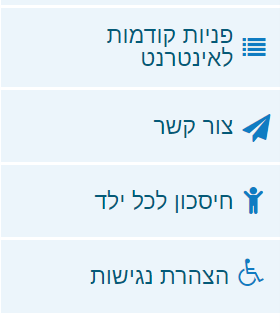
Step 1: Once you are logged in to your Bituach Leumi online account, click on the paper airplane on the right-hand side of the screen called צור קשר
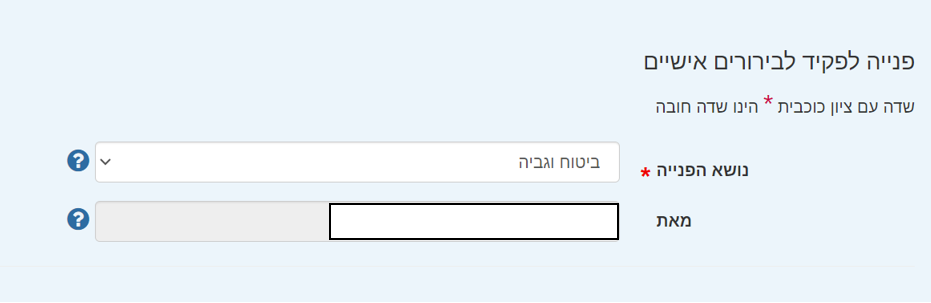
Step 2: You will have the option to select a topic. To notify Bituach Leumi that you will travel abroad, select the 5th option down, ביטוח וגביה.
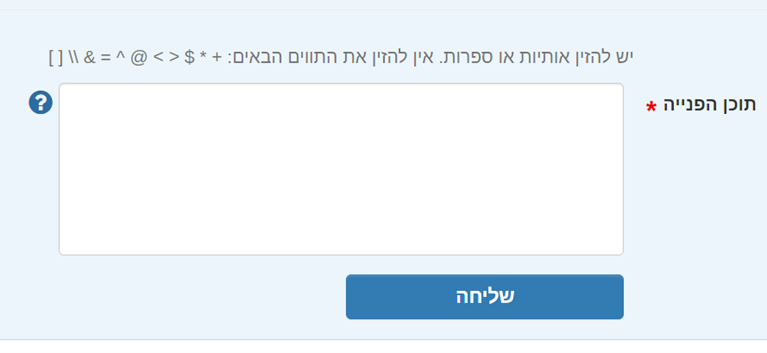
Step 3: Enter your message in the box below, and specify your travel dates if possible. You can write in English. Once you are done, select the blue button שליחה.
Write the name and Teudat Zehut of traveler, date of Aliyah, purpose of travel, departure date and planned date of return. Include a line regarding your intention to remain a resident of Israel when you return / that Israel is your center of life.
Via the main website (not your personal area):
- In Word, write a letter stating the name and Teudat Zehut of traveler, date of Aliyah, purpose of travel, departure date and planned date of return. Include a line regarding your intention to remain a resident of Israel when you return / that Israel is your center of life.
- Upload the document to your saved files as a PDF
- Go to: www.btl.gov.il
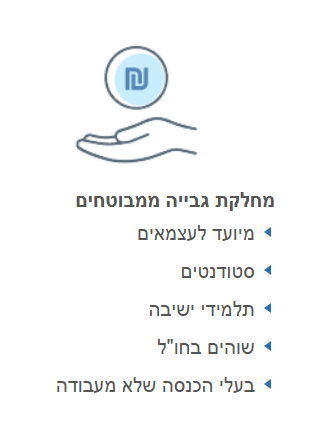
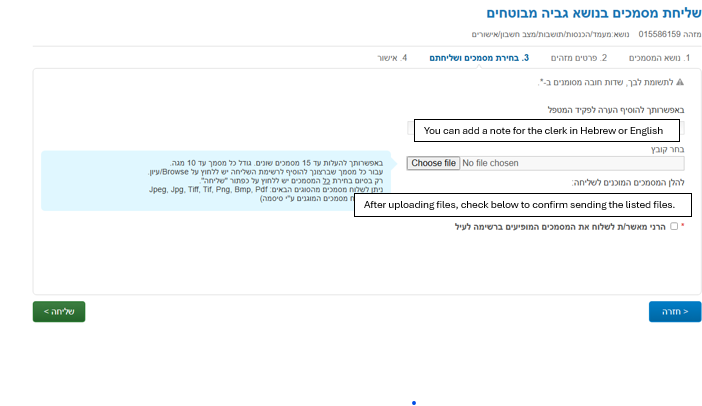
- Choose Send Documents (icon of paper airplane)
- Then click

- On the next page choose
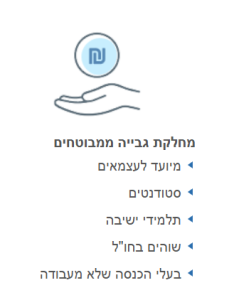
- Click the green CONFIRM – אישור button on the next page
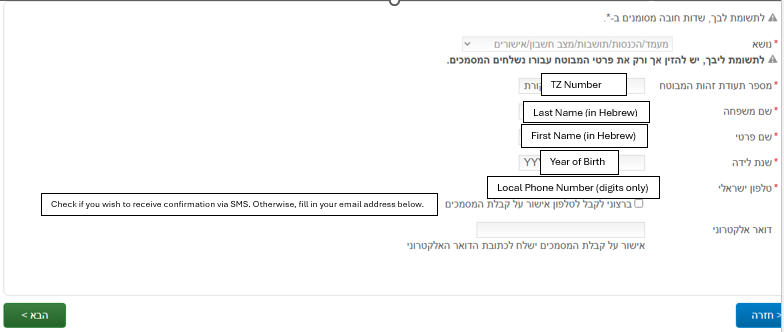
- Complete your personal details and click the green next הבא button:
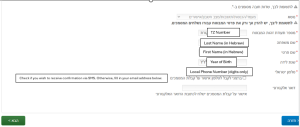
- Upload the document/letter as pdf – the name should have no spaces or special characters
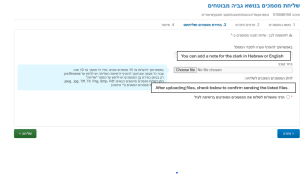
- Click the green SEND button
- Do this for each traveler.

For any questions or issues, reach out to NBN Answers at [email protected] or call *3680.
* Last Updated on June 3, 2026 *